Share the URL in your browser’s address bar with your players. That’s it — no invite codes, friend requests, or app downloads needed.
When a player opens the link, they’ll join the game and see your map in real time.
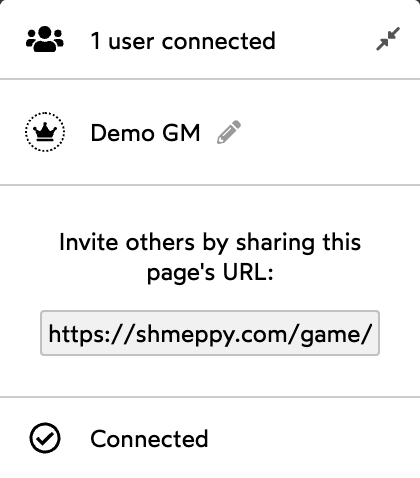
You can also find the URL in the Network Box in the bottom-right corner of the screen, under “Invite others by sharing this page’s URL”. Click the URL to select it for easy copying.
Mobile Players
Players on phones or tablets can use the same link. They’ll automatically get a touch-optimized interface — no separate app needed. They just open the link in their browser (Safari, Chrome, etc.).
Who Can See My Game?
Anyone with the link can join your game. There are no password or privacy settings on individual games. If you want to keep a game private, only share the link with the people you want to play with.